How to Make a Bracket in Excel or Google Sheets
Updated
The quickest way is to start from a bracket that is already drawn: download the Excel file for your number of teams, open it and type the team names on the lines. The seeds, byes and game numbers are in place, and the sheet prints on one Letter page.
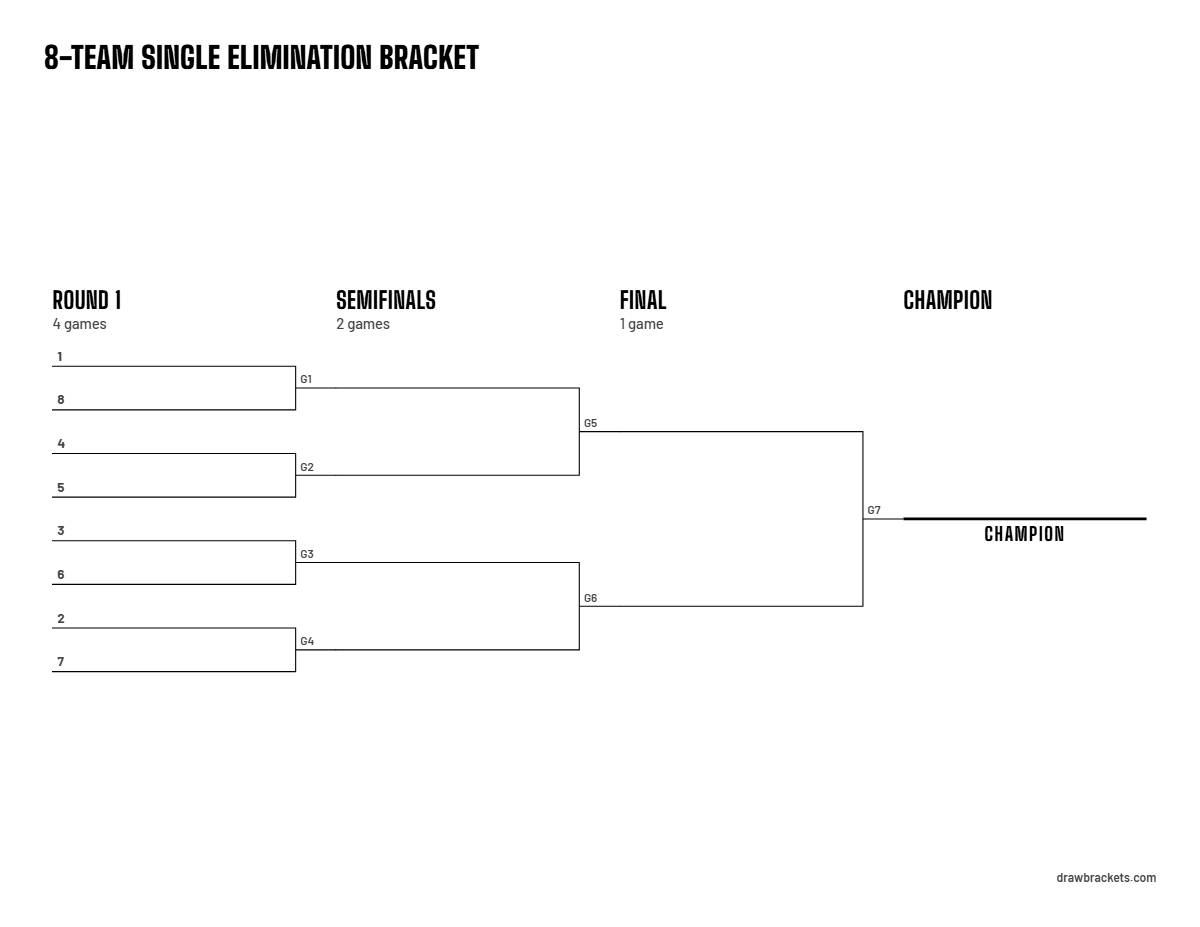
Download a bracket in Excel
These are the sizes people search for most. Each file is one sheet: the bracket in cells, with an empty cell on every line for a team name. The round robin files list the games one per row, and a name typed once in the team list fills in every game.
Other sizes, up to 64 teams, are on the printable brackets page, each with its PDF.
Open it in Google Sheets
Upload the .xlsx to Google Drive and double-click it. It opens in Google Sheets, where you can type the names straight into the file, and Sheets can convert it to a Google Sheets file or save it back as .xlsx. Macros and linked spreadsheets do not carry over, and these files use neither.
Draw a bracket by hand with cell borders
A bracket in a spreadsheet is just borders: a bottom border is a team's line, and a right border joins two lines into a game. For 8 teams:
- Leave row 1 for a title. In column A, give cells A2, A4, A6 and so on down to A16 a bottom border: Home, the arrow next to Borders, Bottom Border. Those are the 8 round 1 lines, and the seeds go on them in round 1 order (1, 8, 4, 5, 3, 6, 2, 7).
- Join each game. Select A3:A4 and add a right border: it runs from the line under A2 down to the line under A4. Do the same for A7:A8, A11:A12 and A15:A16.
- Put the winners' lines in column B, halfway between: bottom borders on B3, B7, B11 and B15, then right borders on B4:B7 and B12:B15.
- Finish with the final: bottom borders on C5 and C13, a right border on C6:C13, and a thick bottom border on D9 for the champion (More Borders lets you pick the line style).
Google Sheets has the same Borders button in its toolbar. For other sizes, the seeding guide has round 1 top to bottom, and the empty spots for byes go next to the top seeds.
A bracket in Word or Google Docs
Word and Google Docs have no bracket tool, so use a picture: download the PNG from the size page and insert it (Insert, then Pictures in Word; Insert, then Image in Google Docs). Turn the page to landscape first so the bracket comes out as large as possible. To print it, the PDF from the same page is sharper.
Sources: Microsoft Support, Apply or remove cell borders on a worksheet; Google Docs Editors Help, Work with Office files. Checked October 19, 2026.
Excel bracket questions
Is there a double elimination bracket in Excel?
Yes. Every double elimination page, from 3 to 64 teams, has an .xlsx with the winners and losers brackets in cells. Where a team drops into the losers bracket, the line says which game it comes from (L3 is the loser of game 3).
Can I make the bracket in Google Sheets and still print it from Excel?
Yes. Google Sheets can save a spreadsheet back as an .xlsx file, so you can start in Sheets and finish or print in Excel.